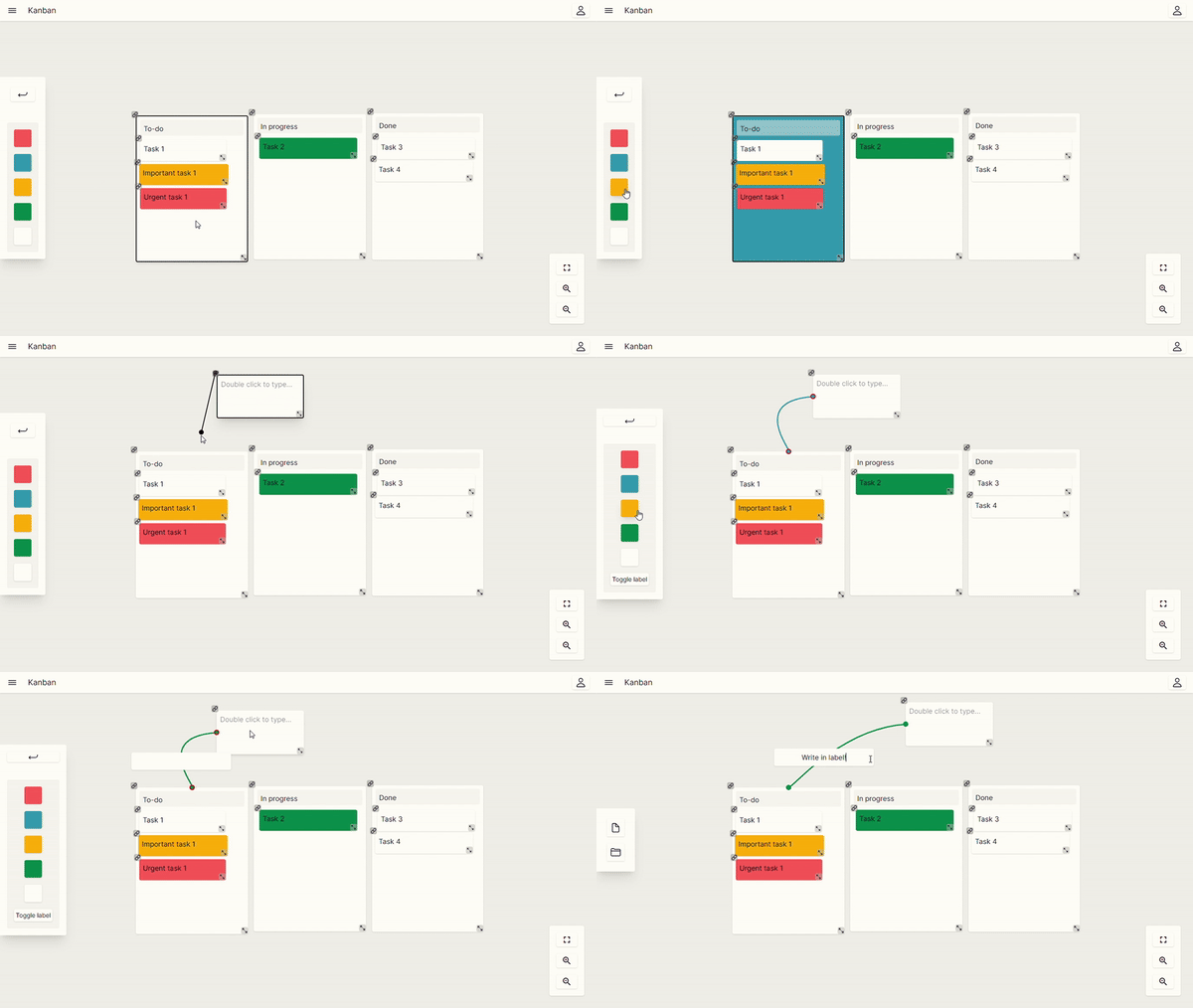
Hibounote aims to have a good and minimalist interface to be intuitive for all users. If you have any problems understanding how to access some features, continue to read:
Accessing boards
You can access all your boards by clicking in 'Get Started' button, accessing your account page. You can create a board or create from template. Besides that, you can also edit your board's name and delete it.
Data storage
All your board data is saved in your device every time you exit. The data is automatically saved.
Basic functions
To access the basic functionalty and board usage, access the tutorials page.
If you still have doubts, access the support page to proceed. The best way to have an answer is by github.